Mobile - remote debugging using devtools
Let's figure out how to debug a site in a mobile phone using the example of Pixel4a.
- enable developer options on the phone:
- go to Settings > About phone > Build number
- Tap the Build Number option seven times until you see the message
You are now a developer! - Return to the previous screen to find Developer options at the bottom or go to Settings > System > Advanced > Developer Options
- find USB debugging and turn it on
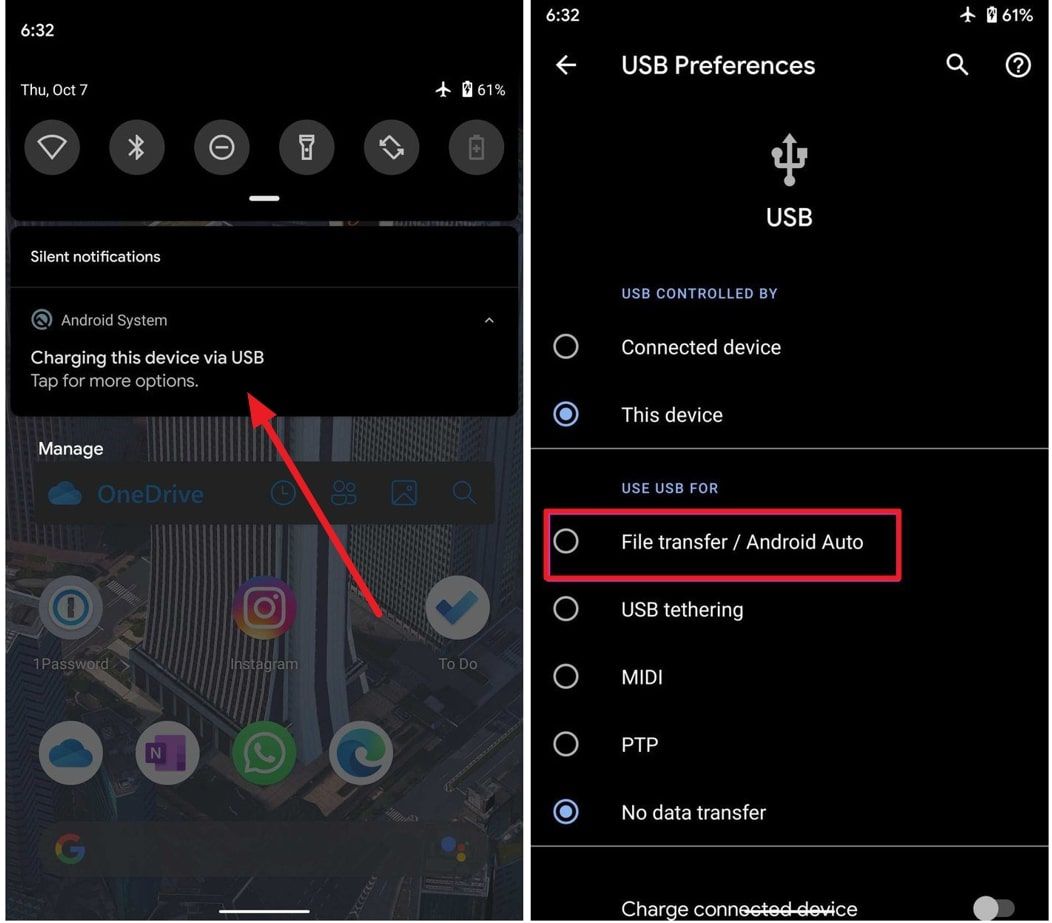
- connect your mobile phone to your computer using a USB-cable and select
File transfer
It is time to start debugging.
3. On your development machine, open Chrome.
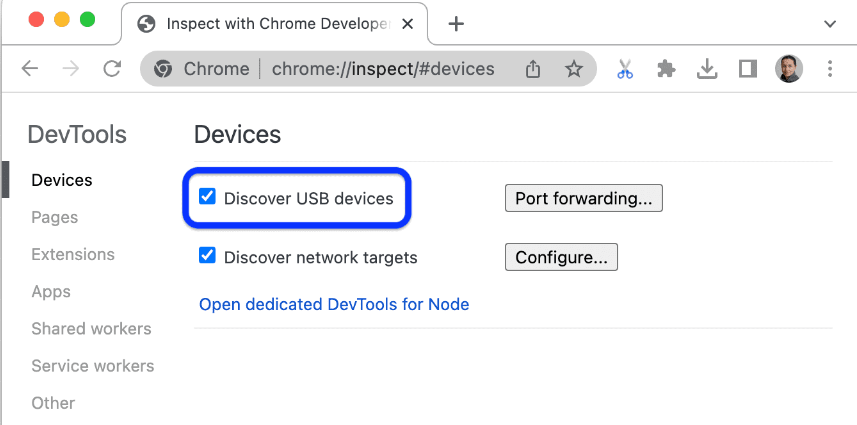
4. Go to chrome://inspect#devices and make sure Discover USB devices is enabled:
5. Click on the link "inspect" (under a site name):
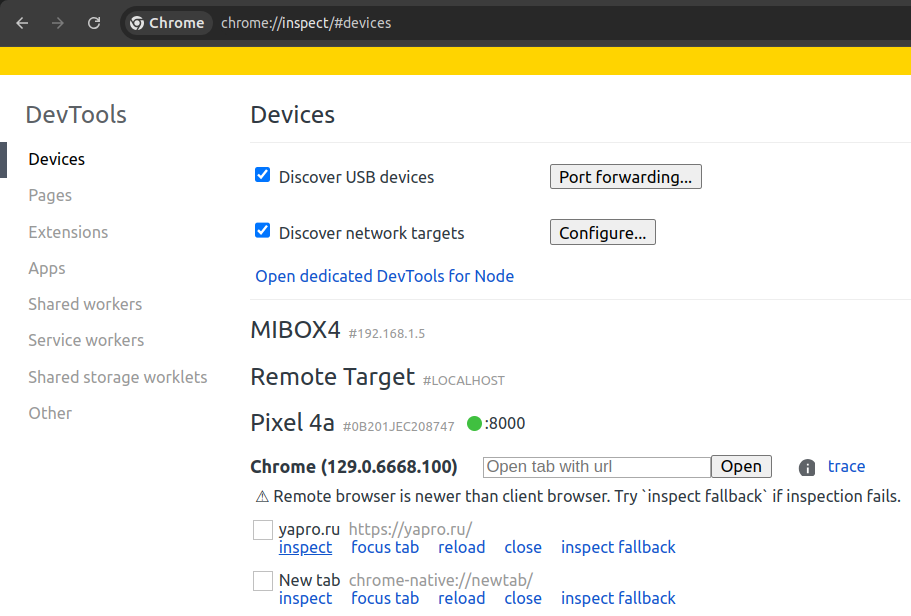
That is all.
p.s. if you need another website, you should open it on your mobile phone first.
11.09.2021 07:08
Комментарии
Комментариев пока нет.